Field study

The riverbank
Read
We sat on the and watched the river.
Select the highlighted word in the passage.
Look up a word in a sentence, choose what it means there, and keep the passage on a card for later.
Field study
Read
We sat on the and watched the river.
Select the highlighted word in the passage.
See the actual app: select a word in the passage, check its Russian meaning and save it. Then try recalling it without the sentence.
Romeo and Juliet, Act II, scene ii. English to Russian. Recorded in WordWindow. Translate a word: light
A definition tells you what a word can mean. Your notebook keeps the line that tells you what it meant here.
Keep a striking phrase from a novel, essay or article alongside the word.
Separate different senses and practise recalling each one in context.
Bring individual reading into shared practice while keeping personal sentences private.
Choose a light page for daylight, indigo for evening reading, or let the app use your device setting.
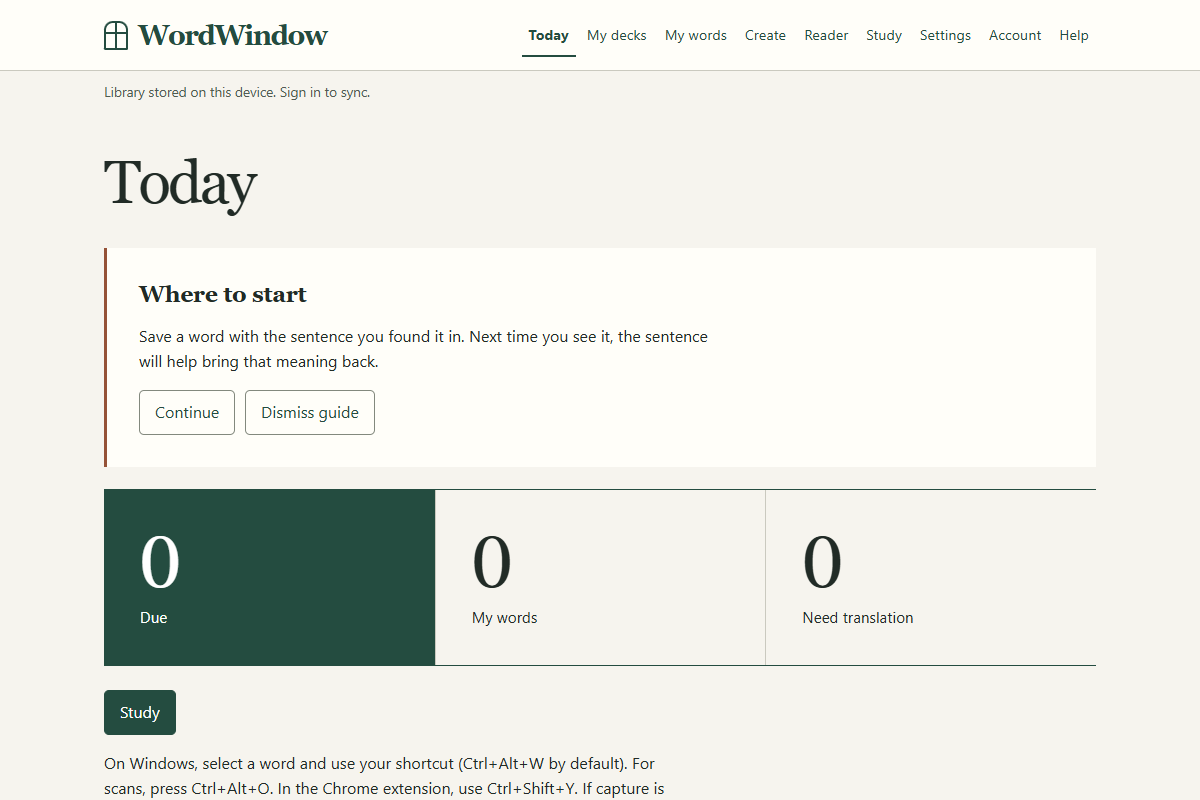
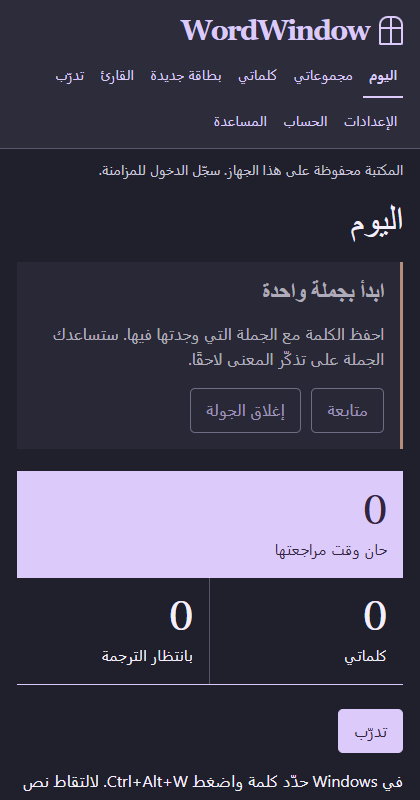
From the working interface: English in daylight, Arabic in Dusk. Your reading language is a separate choice.
Study and export are free. AI access and group seats are arranged in the pilot. There is no checkout.
Windows: unsigned portable beta for private testing.
Android: offline beta APK for private testing.
Mac and iPhone/iPad: source preparation; no public installer yet.
Lesson definitions follow this site’s language. In the app, you can make cards manually across study languages. Built-in translation is English to Russian. The web lesson does not send your answers or transfer cards to the app.